
Artifact Caches
See every package your builds pulled through an artifact cache, and whether Ossprey found it malicious.
Scanning a repository tells you what your manifests declare. An artifact cache tells you what your builds actually pulled — including packages installed ad hoc, fetched by a transitive resolution you never wrote down, or downloaded by a developer's machine outside of CI.
The Artifact Caches page in the sidebar surfaces every package Ossprey has seen come through a connected cache, together with its scan result.
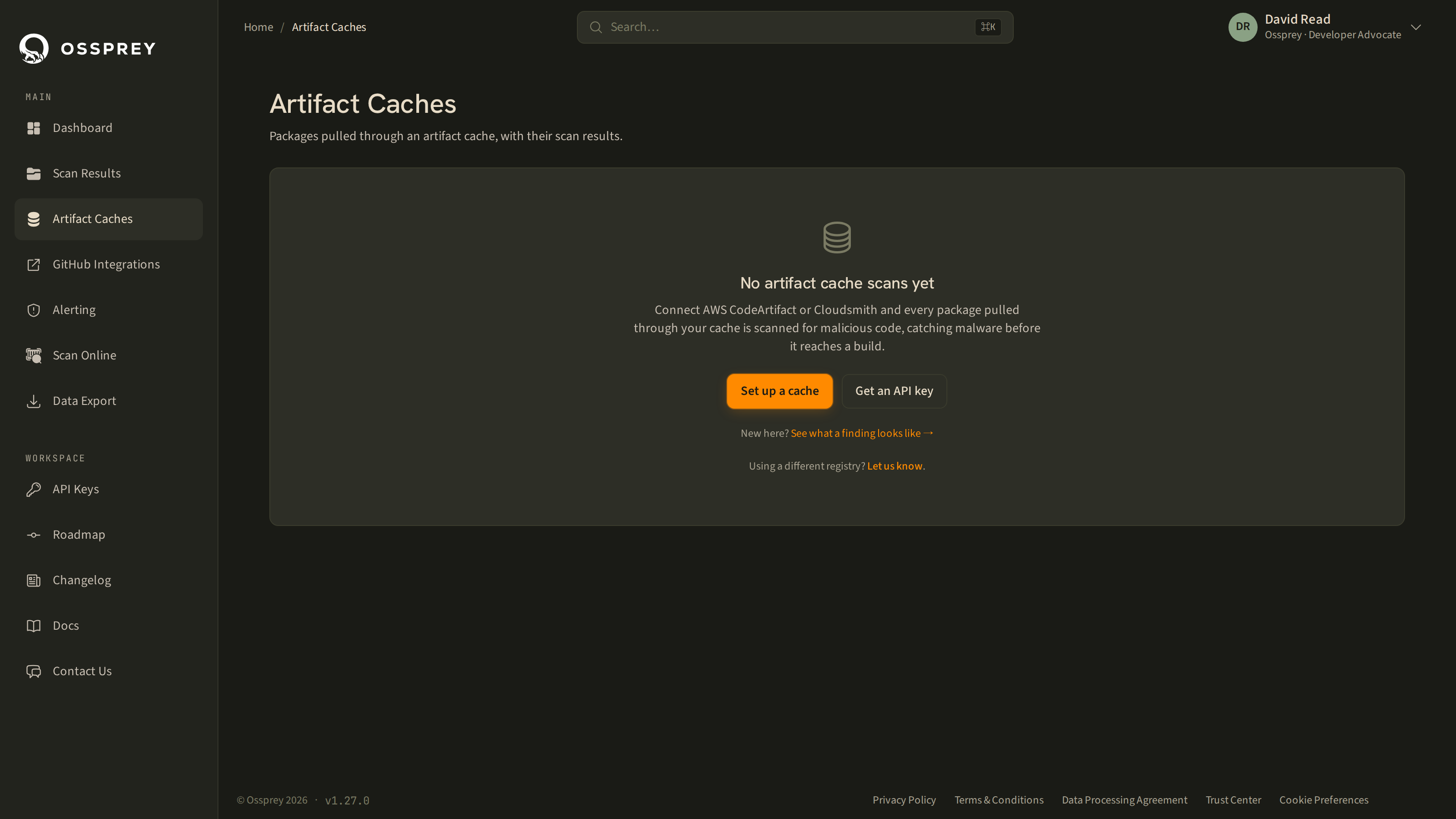
What you see
Packages are grouped by cache provider (AWS CodeArtifact today), then listed one row per package@version with:
- ecosystem (npm or PyPI), package name, and version
- the cache repository the package was pulled from
- the scan result — safe, malicious, or not analysed
- when it was last scanned
You can search within a provider to find a specific package. Clicking a malicious row opens the same threat card you'd get from any other scan.
Because this view is a record of real pulls rather than a dependency list, it's the fastest way to answer "did anything in this compromised package's version range ever get pulled into our builds?"
Reporting a false negative
Artifact Caches is also where you report a suspected false negative — a package you believe is malicious that Ossprey marked safe. Use the report action on the row. These reports are genuinely useful to us; please send them.
Connecting a cache
Cache pulls reach Ossprey through the public API: a small collector in your AWS account watches CloudTrail for CodeArtifact package-download events and posts them to POST /public/v1/pulls using an Ossprey API key. The API key identifies your account, so the collector needs nothing else to attribute data correctly.
To get a collector set up for your CodeArtifact domain, contact us at [email protected] — we'll walk you through the deployment.
If you'd rather feed pulls from your own tooling, the endpoint is documented in the API Reference and behaves as follows:
- One row per observed pull, keyed on the source CloudTrail
event_id. Resubmitting the same events is a no-op, so at-least-once delivery is safe. - Rows are validated individually — one malformed row is reported in
rejectionsrather than failing the whole batch. - Limits: 5,000 rows and 5 MB per request.
occurred_atmust fall within 14 days past and 1 hour future. - Ingesting pulls does not trigger scans and does not consume your scan quota.
- npm and PyPI purls only.
RetentionPull records are kept for 30 days and then purged. Export anything you need to keep for longer — the CodeArtifact Pull Log export is built for exactly this. See Data Export.
Artifact Caches vs repository scanning
They answer different questions, and most teams want both.
| Repository monitoring | Artifact caches | |
|---|---|---|
| Source of truth | Manifests and lockfiles in a repo | Packages actually downloaded |
| Catches | What you intend to depend on | What was really pulled, by anyone |
| Triggered by | Pull requests, schedule, manual scan | Every pull through the cache |
| Blind to | Installs that never reach a committed manifest | Dependencies you declare but never install |
See GitHub Integration for the repository side.
Updated 2 months ago